


Shade Finder: Online Foundation Test

Finding the foundation color that best suits your complexion has never been easier.
With our Shade Finder, it only takes a few seconds.
Answer a few simple questions, select your skin tone and undertone and you will be directed to the ideal shade for you of each Diego dalla Palma foundation. Or, if you already have a foundation from another brand, insert it to discover the corresponding color in our line.
Choose a foundation and find your shade


Nudissimo Serum Satin Foundation Spf30 novità
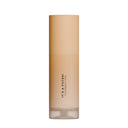


It's A Filter! Smoothing Perfecting Foundation bestseller novità
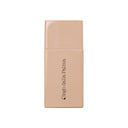

nudissimo glow – soft glow foundation bestseller
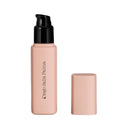

nudissimo – soft matt foundation bestseller
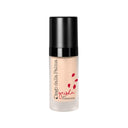
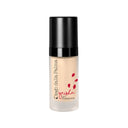
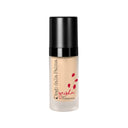

geisha lift foundation bestseller
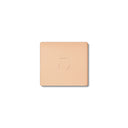
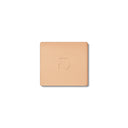
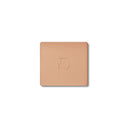
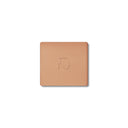
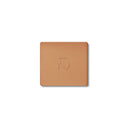
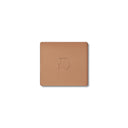

STAY ON ME - COMPACT POWDER FOUNDATION WATERPROOF SPF20 24H


REFILL SYSTEM CUSTOMIZABLE FACE PALETTE
Choose a concealer and find your shade
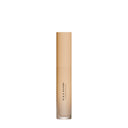


It's A Filter! Smoothing Perfecting Concealer bestseller novità
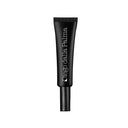

makeupstudio – concealer zero dark circles imperfections bestseller
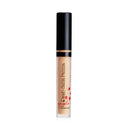
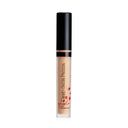
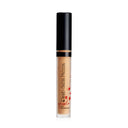
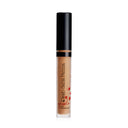

geisha lift concealer – lifting effect cream concealer -30%
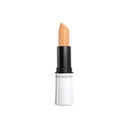
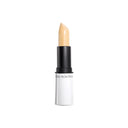
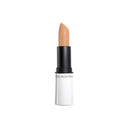
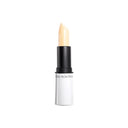

cover stick
FAQ
Observe your skin in natural light: if it tends to light or medium, your shade will likely be light or medium light; if it turns to golden, olive or amber, it will be between medium and dark.
An easy way to find out is to use our Shade Finder and select the model's image with the complexion that comes closest to yours.
The undertone refers to the temperature of the skin: it can be cold, neutral or warm.
- If your complexion is pink in cases of light skin tending towards blue in darker skin, your undertone is cold.
- If the complexion is tending towards yellow, golden, amber, it is warm.
- If there is no prevalence of either warm tone or cold tone, it is probably neutral.
Again, the Shade Finder helps you identify the most correct undertone for a natural and harmonious result.
Yes, the ideal foundation blends perfectly with your complexion, without creating gaps between your face and neck. You can choose a half shade that is warmer or colder to balance the natural color of your skin, also evaluating whether your skin is currently tanned: the result must always appear uniform and luminous.